Guide

How to buy PUBG

Step-by-step guide: from a GRAM wallet to your first PUBG coin on the GRAM network. No fluff — just the steps that matter.

Three steps to PUBG

Wallet → GRAM → Swap. That's it. Below — details on each step plus an alternative method.

1

Set up a GRAM wallet

Telegram Wallet, TonKeeper or MyTonWallet. Be sure to write down your 24-word seed phrase.

2

Fund with GRAM

Directly from an exchange or via Bestchange from a bank card.

3

Swap for PUBG

On the STON.fi DEX or right inside TonKeeper — via the contract address.

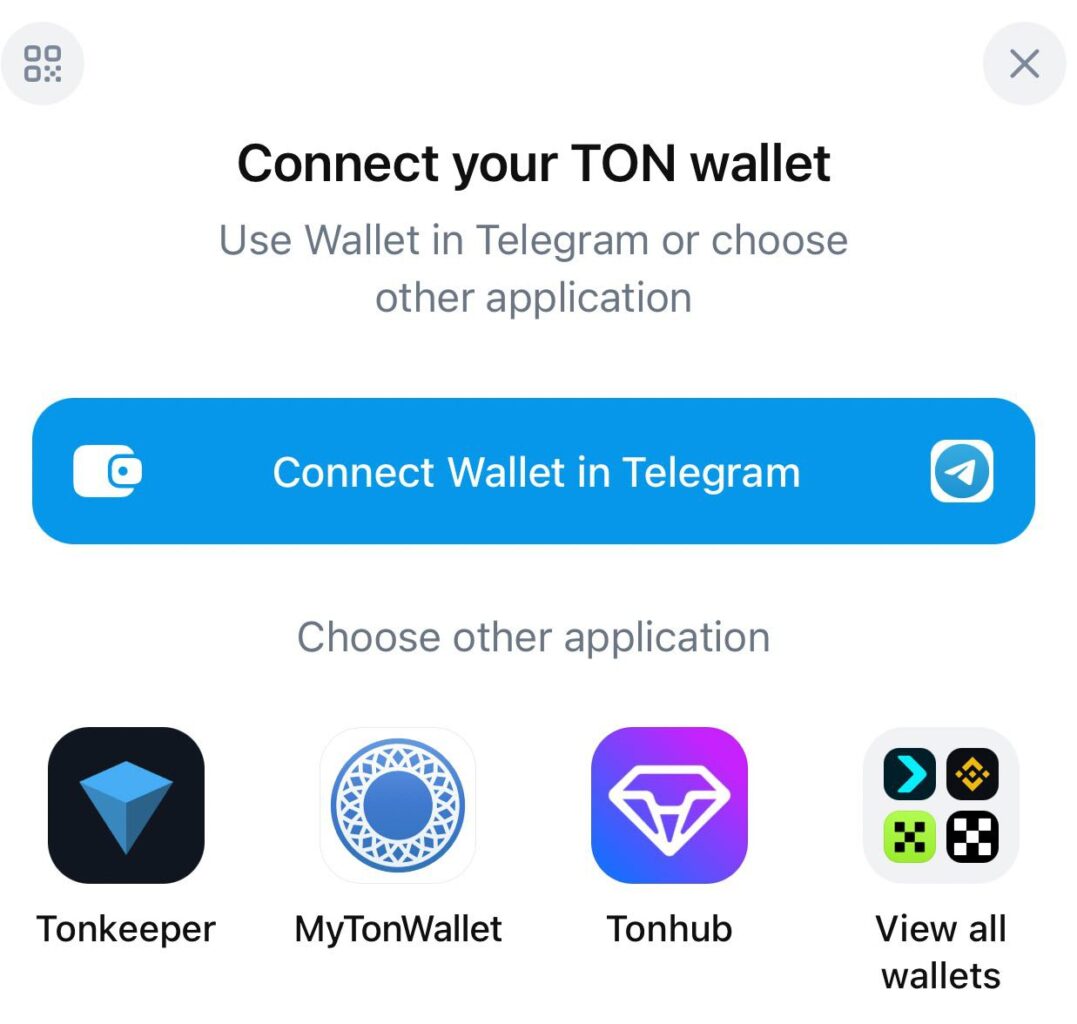
Choose a GRAM wallet

To buy PUBG via STON.fi or inside a wallet, you first need a GRAM-network wallet. Telegram Wallet (@wallet), TonKeeper or MyTonWallet all work.

Create the wallet and store your seed phrase somewhere safe — without it you can't recover access to your funds.

Choose a GRAM wallet

Fund your wallet with GRAM

You can't buy PUBG without GRAM — it's both the gas fee and the swap pair. There are two ways to get GRAM, both work.

From an exchange

Have an exchange account (Binance, Bybit, OKX, etc.)? Buy GRAM (TON) there and withdraw it to your wallet address.

Via Bestchange

No exchange? Use Bestchange — exchange money however is convenient: CIS cards and dozens of other payment systems. GRAM lands straight in your wallet.

Bestchange.com →

Swap GRAM for PUBG

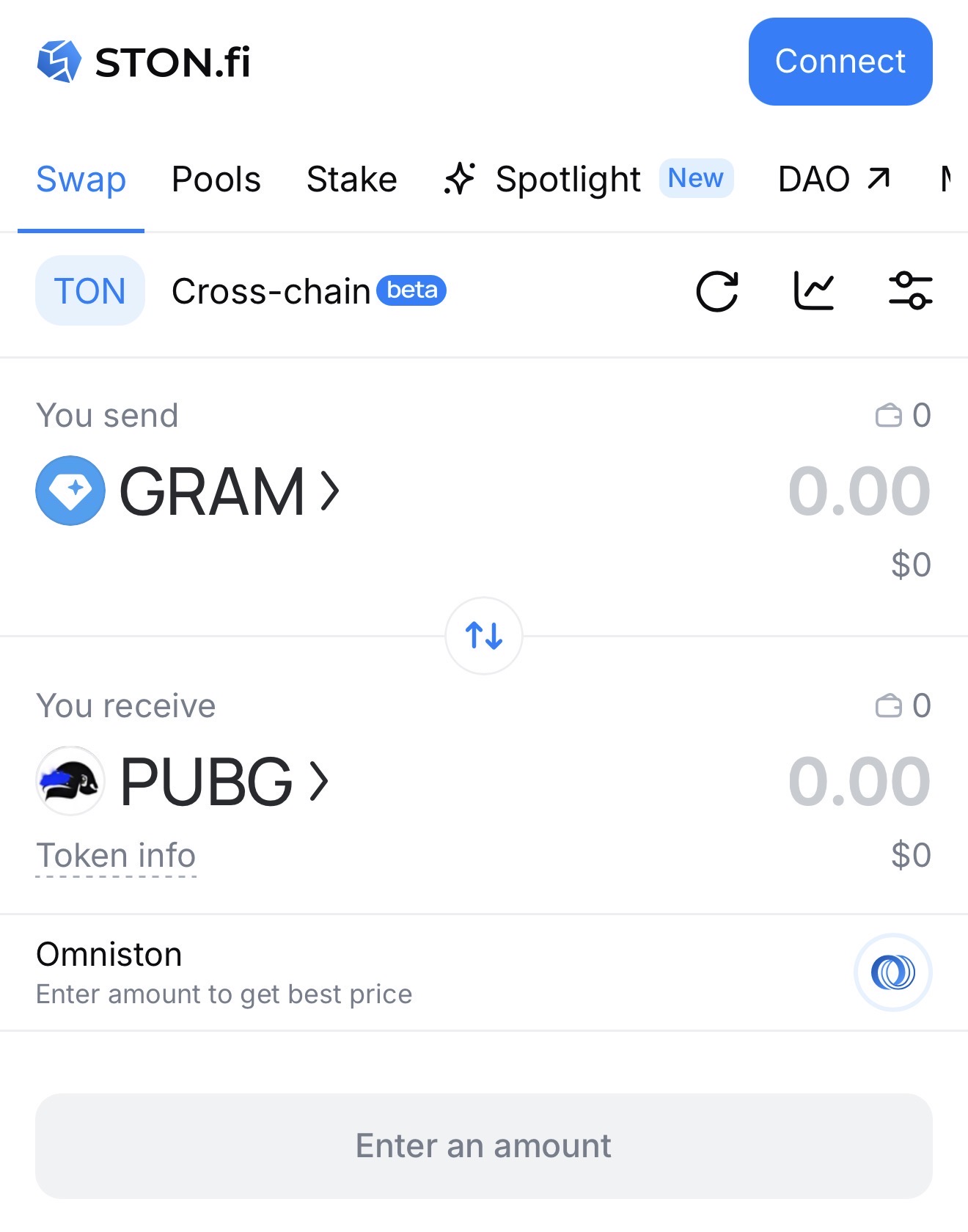
Open STON.fi — a decentralized exchange on the GRAM network.

What happens on screen:

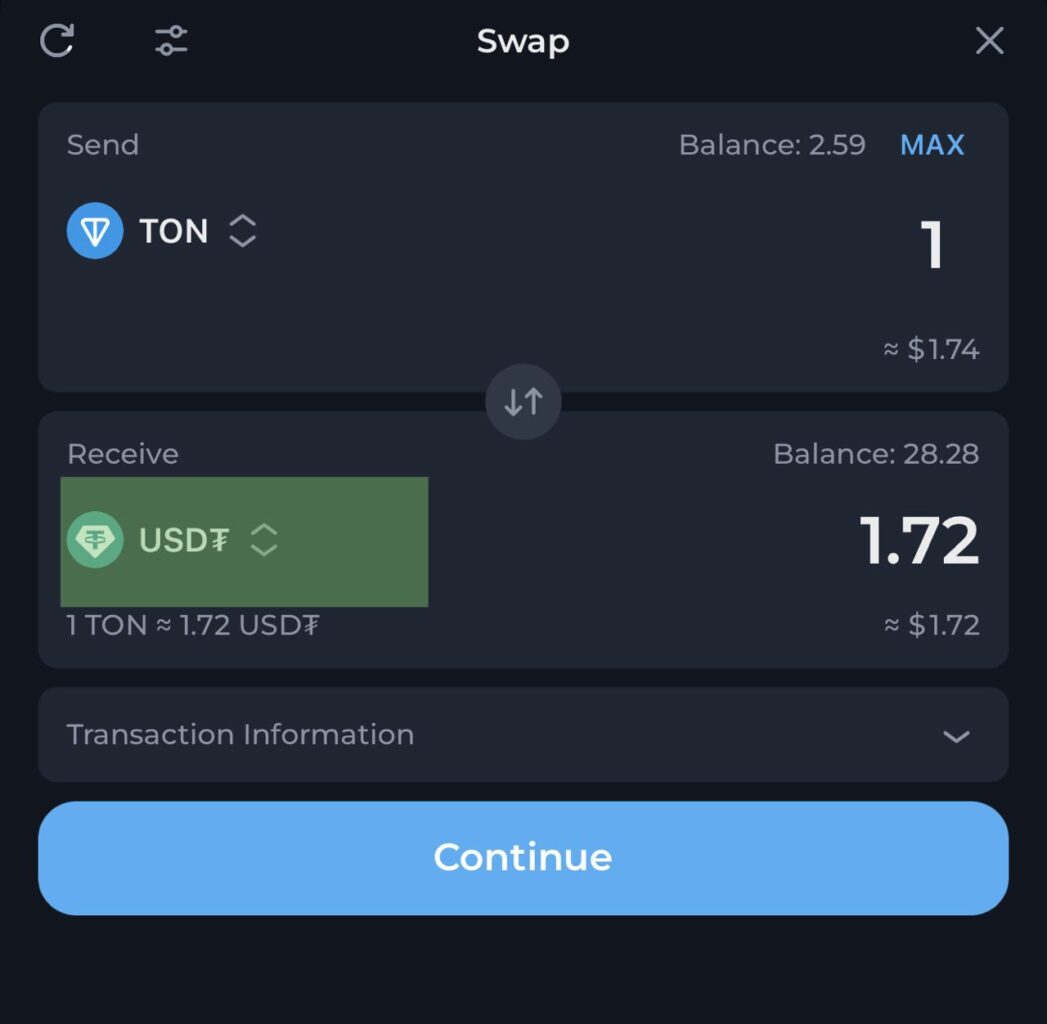
  1. 1.In the «you send» field pick GRAM, in «you receive» — PUBG.
  2. 2.If PUBG isn't found — paste the contract address (below).
  3. 3.Enter the amount and confirm the swap in your wallet.
Open STON.fi with parameters pre-filled
Swap GRAM for PUBG
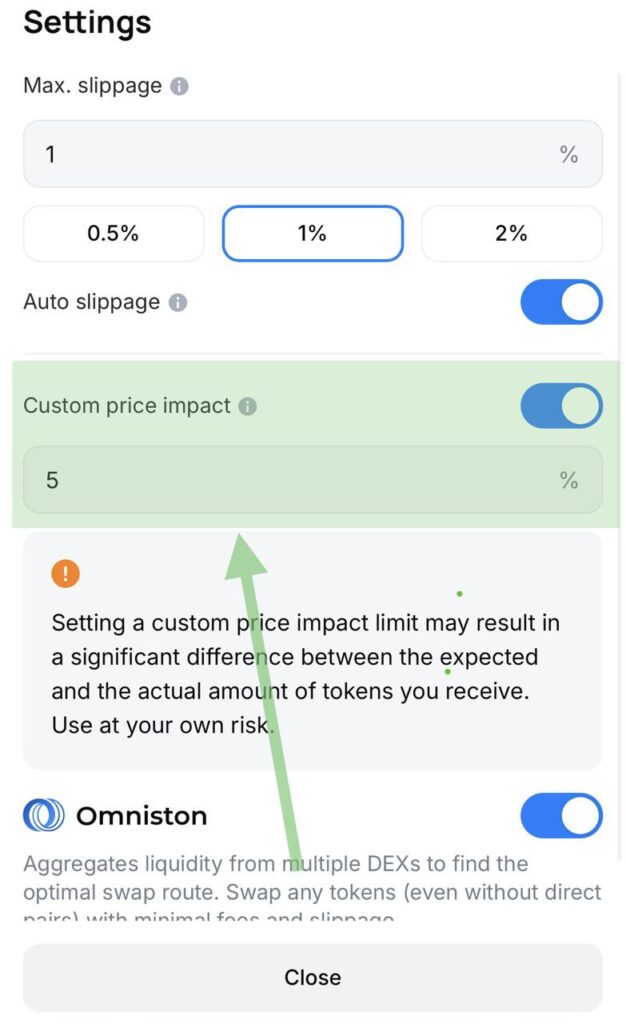
How to swap a large amount

How to swap a large amount

Buying a lot — split the trade into parts to reduce price impact.

Don't want to split and ready to accept a bigger impact? Open settings (slider icon) and pick a higher slippage preset.

Slippage is the allowed difference between the price when you click and the price at execution. The larger your order relative to pool liquidity, the higher it is.

Swap right in your wallet (TonKeeper)

TonKeeper can swap tokens itself — no need to open the DEX site. All you need is the PUBG contract address.

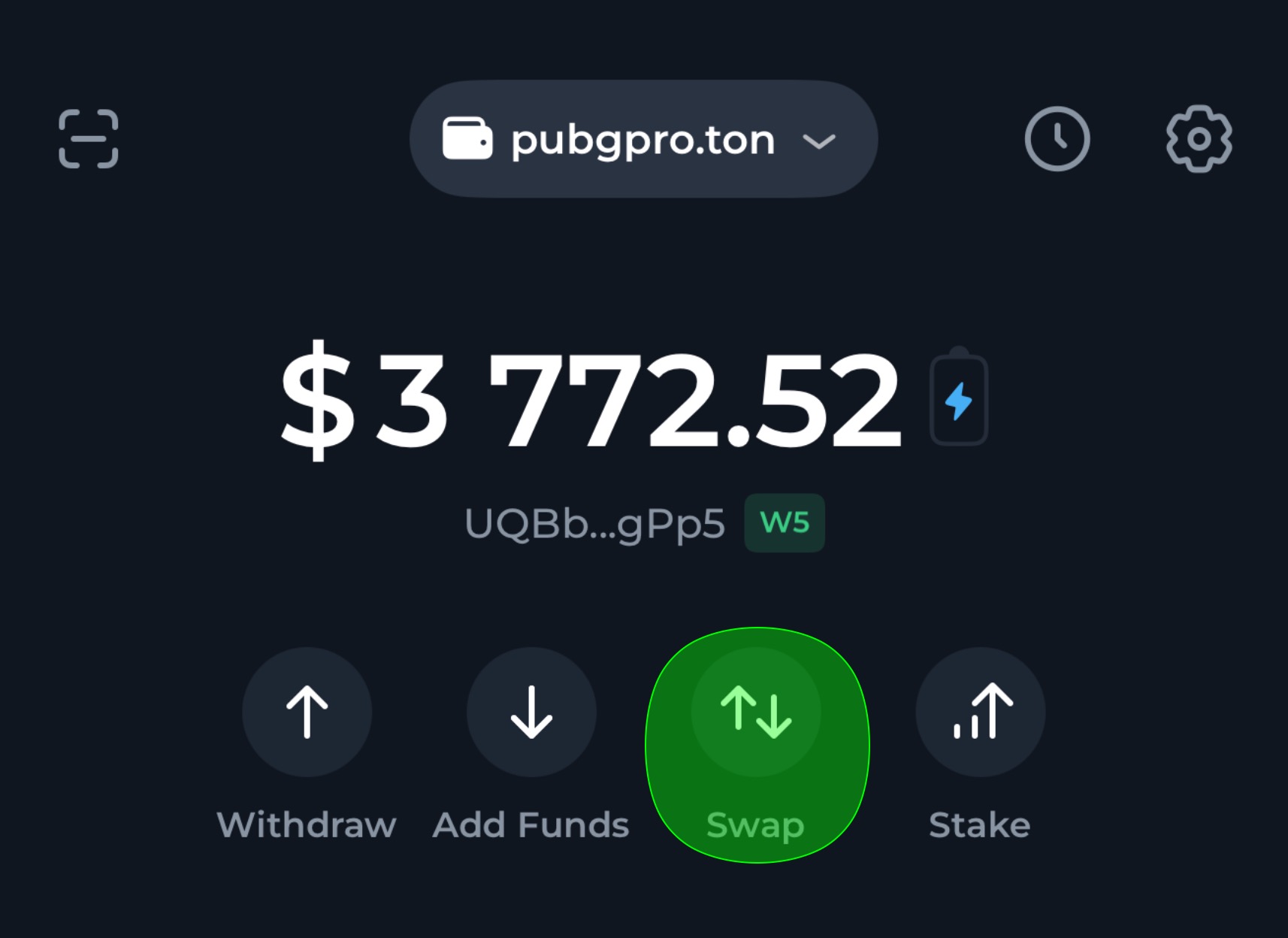
Open TonKeeper and tap «Swap»

On the main wallet screen you'll see your balance and action buttons: Send, Receive, Scan, Swap. Tap «Swap».

TonKeeper uses an internal router and aggregates liquidity from several DEXes (including STON.fi) — usually the rate is no worse.

Open TonKeeper and tap «Swap»Tap the receive coin

Tap the receive coin

By default TonKeeper shows popular tokens — USDT, TON stables. PUBG isn't on that list, so add it by contract address.

Paste the contract address

Paste the PUBG contract address (copied above) into the search field. The wallet will find the token and show it.

Confirm the token import and go back to the swap screen. The receive field now shows PUBG: enter the GRAM amount and swap.

PUBG contract address
EQBmR1S2TdeCDMl956IxzoZ7IPx4f-D2s6Fj2seoUxRy1dbG
Always verify that the contract address matches the official one.
Paste the contract address
PUBG

Buy your first PUBG

Open STON.fi via the direct link — GRAM and PUBG are pre-filled. Or buy right on the site in a couple of clicks.

Useful links